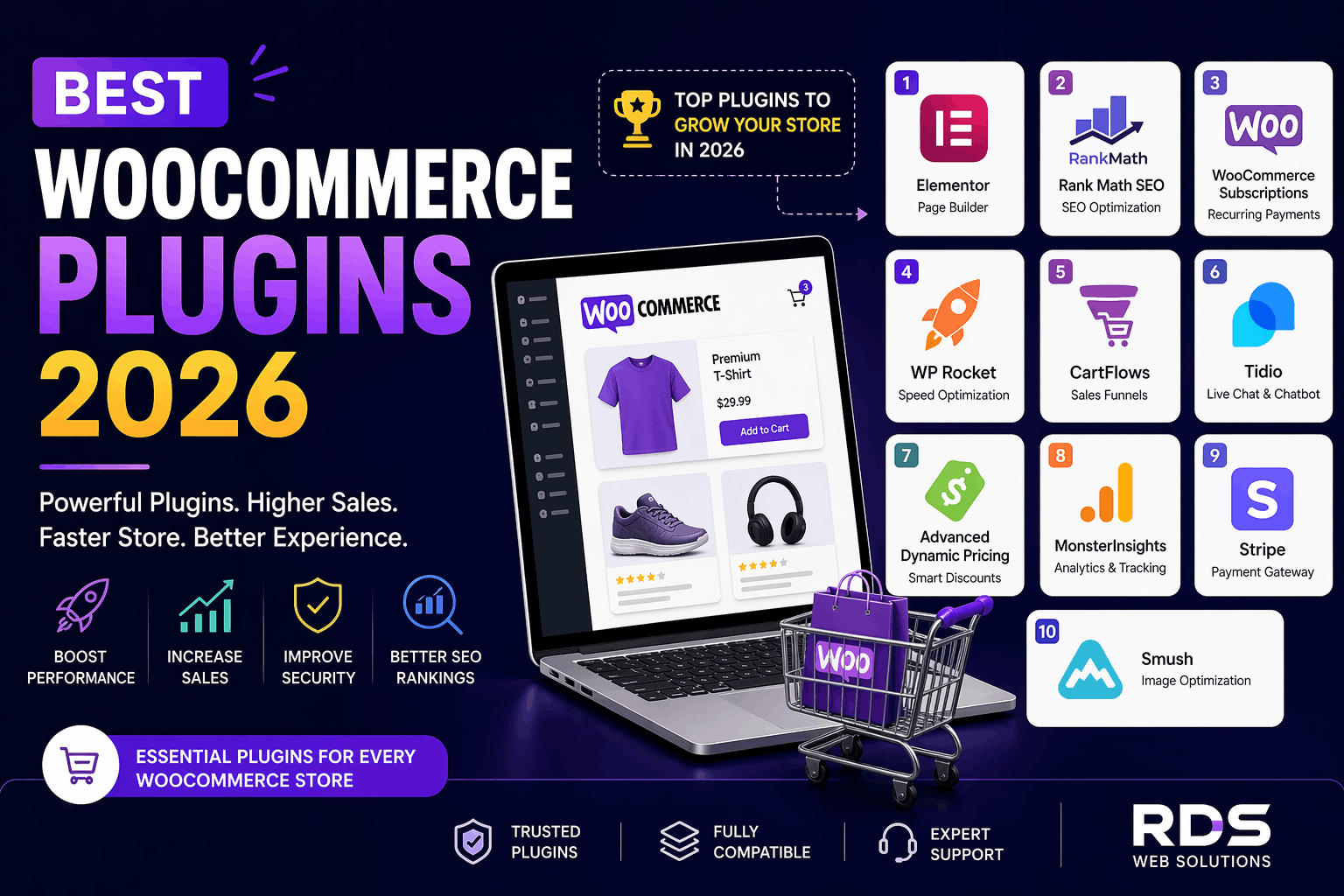
Running a successful eCommerce store today is not just about listing products—it’s about performance, automation, user experience, and conversions. That’s where plugins come in.
If you’re using WooCommerce, choosing the right plugins can transform your store from basic to powerful.
In this guide, we’ll cover the best WooCommerce plugins in 2026 that help you increase sales, automate operations, and improve customer experience.
WooCommerce is flexible by design, but plugins are what unlock its true potential.
With the right plugins, you can:
✔Improve website speed
✔Automate marketing
✔Enhance checkout experience
✔Increase conversions
✔Scale your business
👉 The key is not installing many plugins—but installing the right ones.
Best For: Design & UI/UX
Elementor allows you to create stunning product pages, landing pages, and custom layouts without coding.
✔Drag-and-drop builder
✔Custom product page design
✔Conversion-focused widgets
👉 Perfect for building visually attractive stores that convert.
Best For: SEO & Ranking
Rank Math helps optimize your product pages, meta tags, schema, and keywords.
✔Advanced WooCommerce SEO
✔Rich snippets & schema
✔Keyword optimization
👉 Essential for getting organic traffic from Google.
Best For: Subscription-based business
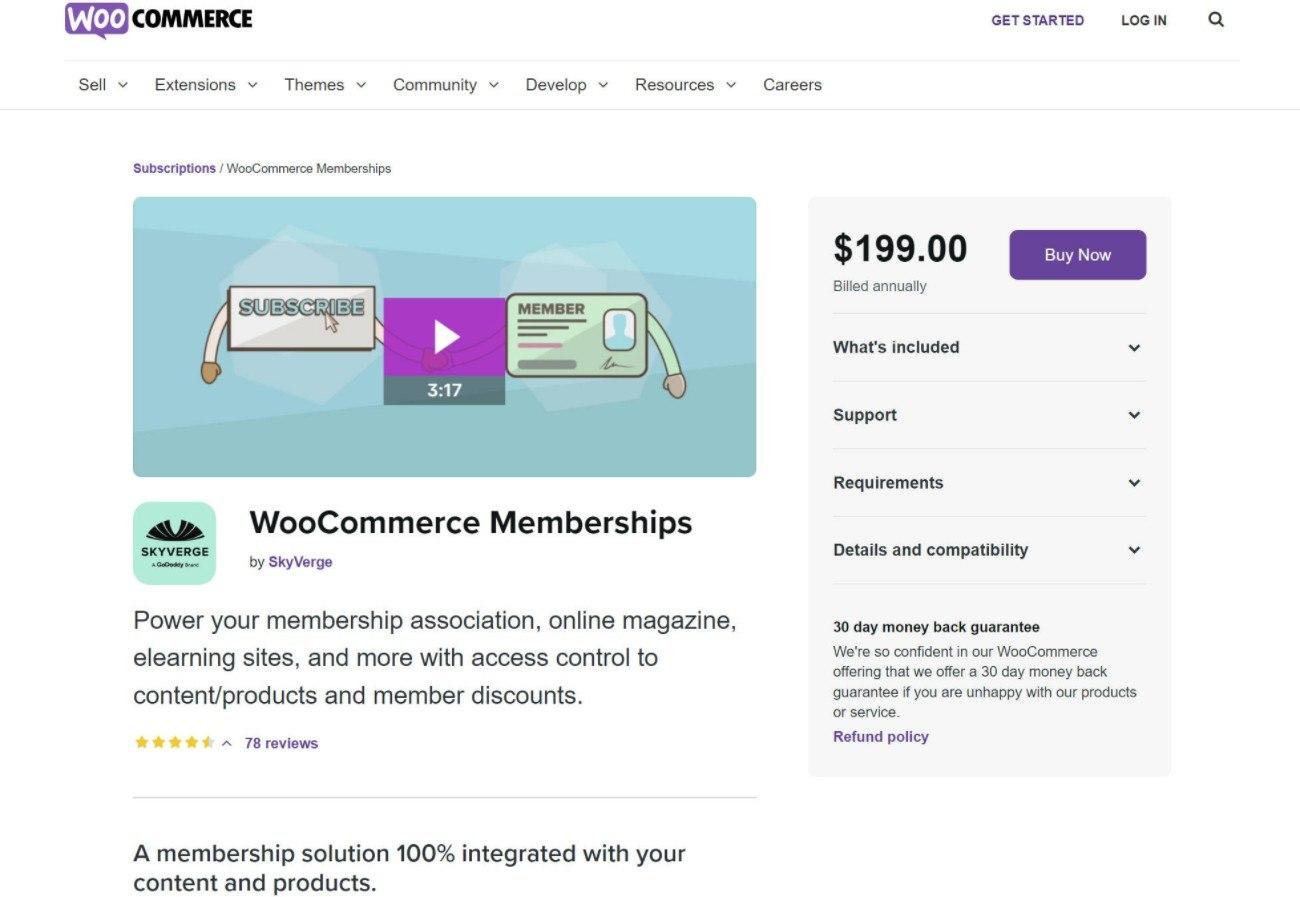
WooCommerce Subscriptions lets you sell products or services on a recurring basis.
✔Monthly/Yearly subscriptions
✔Automatic billing
✔Flexible pricing plans
👉 Ideal for memberships, courses, and SaaS models.
Best For: Performance & speed
WP Rocket improves loading speed and Core Web Vitals.
✔Page caching
✔Lazy loading
✔File optimization
👉 Faster websites = better rankings + more sales.
Best For: Sales funnels & checkout
CartFlows helps you create optimized checkout flows.
✔One-click upsells
✔Custom checkout pages
✔Funnel tracking
👉 Boost conversions and average order value.
Best For: Customer support & automation
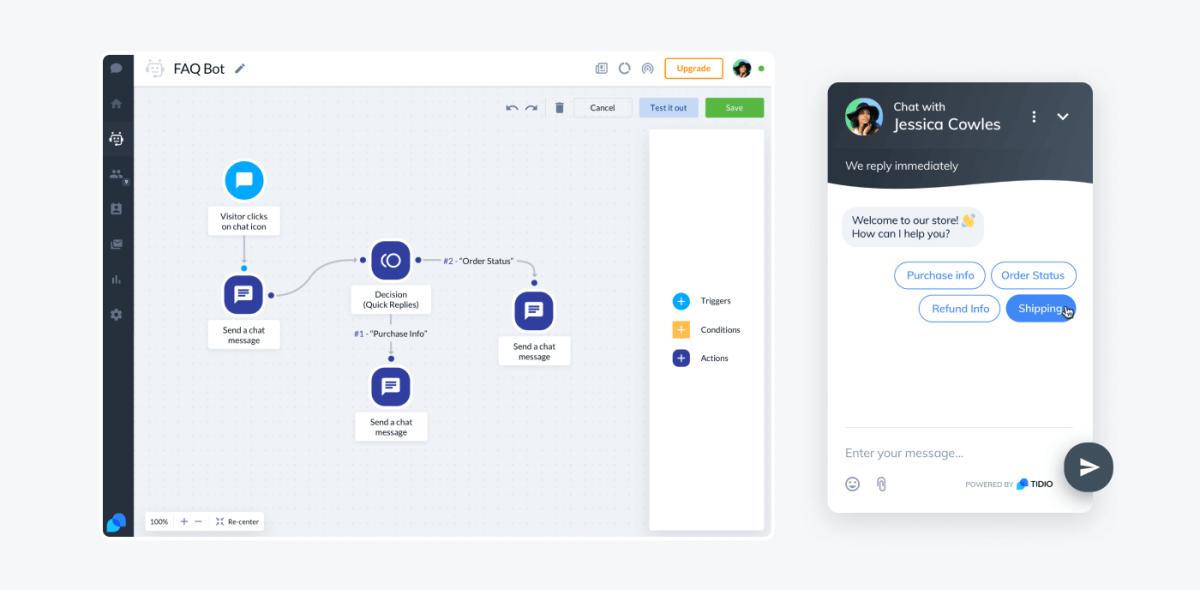
Tidio provides AI-powered chatbots and live chat.
✔24/7 customer support
✔Automated responses
✔Lead generation
👉 Turn visitors into customers instantly.
Best For: Pricing strategy
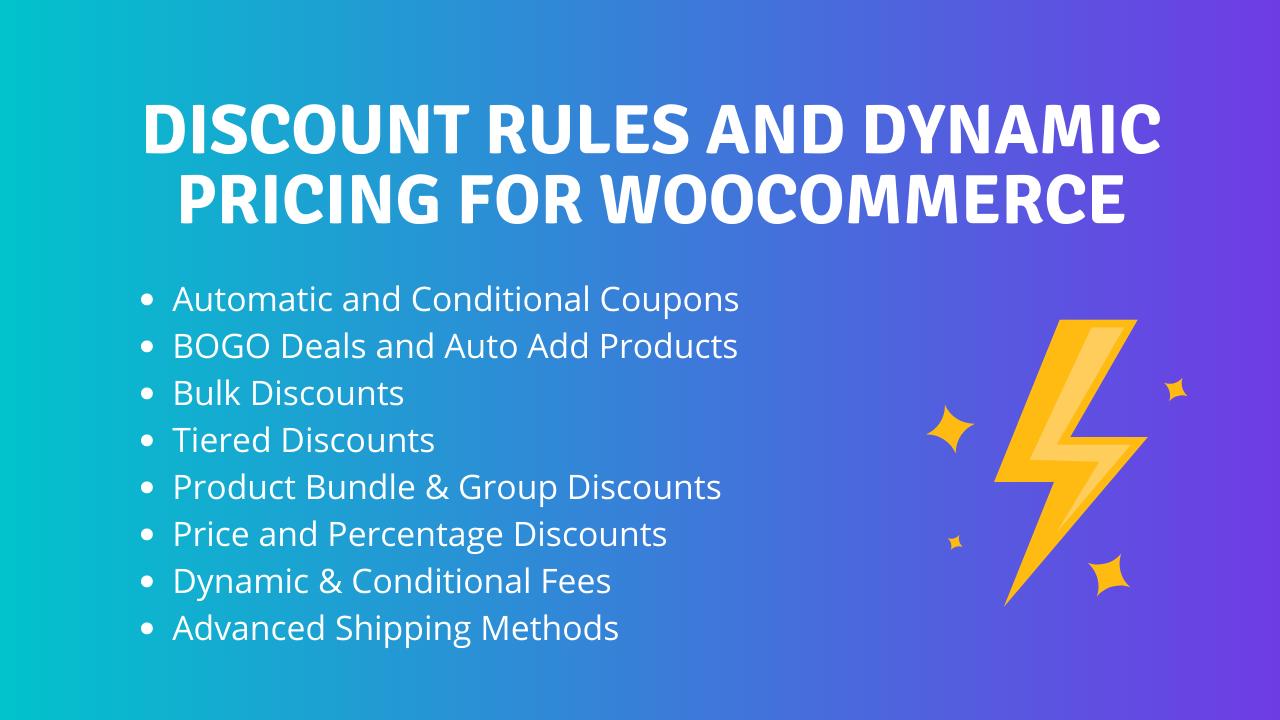
Advanced Dynamic Pricing for WooCommerce allows automated discounts based on conditions.
✔Bulk discounts
✔Cart-based rules
✔User-specific pricing
👉 Increase sales with smart pricing strategies.
Best For: Data & analytics
MonsterInsights connects WooCommerce with Google Analytics.
✔Sales tracking
✔User behavior insights
✔Conversion data
👉 Make data-driven decisions.
Best For: Payments
Stripe enables secure online payments globally.
✔Credit/debit cards
✔UPI & wallets (region-based)
✔Fast checkout
👉 Smooth payments reduce cart abandonment.
Smush compresses images without losing quality.
✔Image compression
✔Lazy loading
✔Bulk optimization
👉 Faster images = better performance.
Don’t install everything blindly. Follow this strategy:
✔Want sales? → CartFlows
✔Want SEO? → Rank Math
✔Want speed? → WP Rocket
Too many plugins can slow your site.
Ensure plugins work well together.
✔Installing too many plugins
✔Ignoring speed optimization
✔Not updating plugins
✔Using poorly coded plugins
👉 These mistakes can harm performance and SEO.
The right WooCommerce plugins can:
✔Increase your revenue
✔Improve customer experience
✔Automate your store
But success lies in strategy, not quantity.
👉 Which WooCommerce plugin are you currently using?
👉 Want help choosing the best stack for your store?
Drop your question—we’ll guide you!
At RDS WEB & IT SOLUTIONS, we help businesses build high-performing WooCommerce stores with the right plugin stack, optimization, and strategy.
👉 Let’s turn your store into a sales machine.
Part of what makes us the Website Designer expert team that we are is our ability to remain agile and adapt to industries of all kinds.


















© Copyright RDS WEB SOLUTIONS- Web Designing Company Noida,Delhi,India. 2017-2026. All rights reserved | Terms & Condition
Disclaimer: All prices are for reference only. The final cost depends on your exact requirements, features, design preferences, and project complexity. Customizations or additional functionality may increase pricing. Final quotation will be shared after detailed discussion.